How to Activate Subscription Code
Here are the steps to activate the subscription code:
- Install the appropriate version of Apk (Normal Apk or Plus Apk) according to the package you subscribe to.
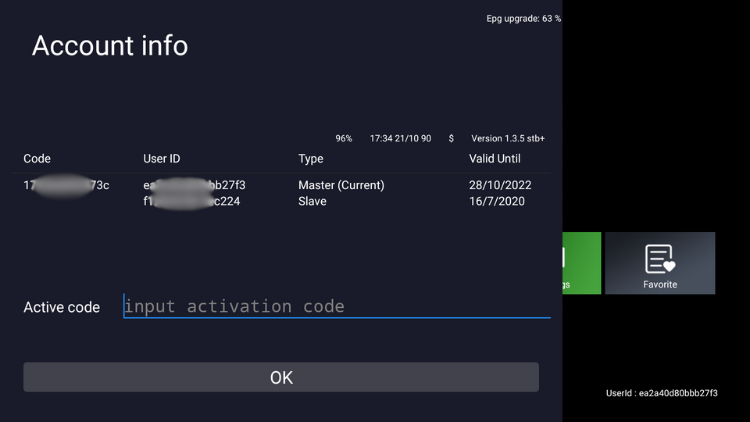
- Open the IPTV App, the activation screen will be displayed, please fill in your IPTV activation code in the Active code field.

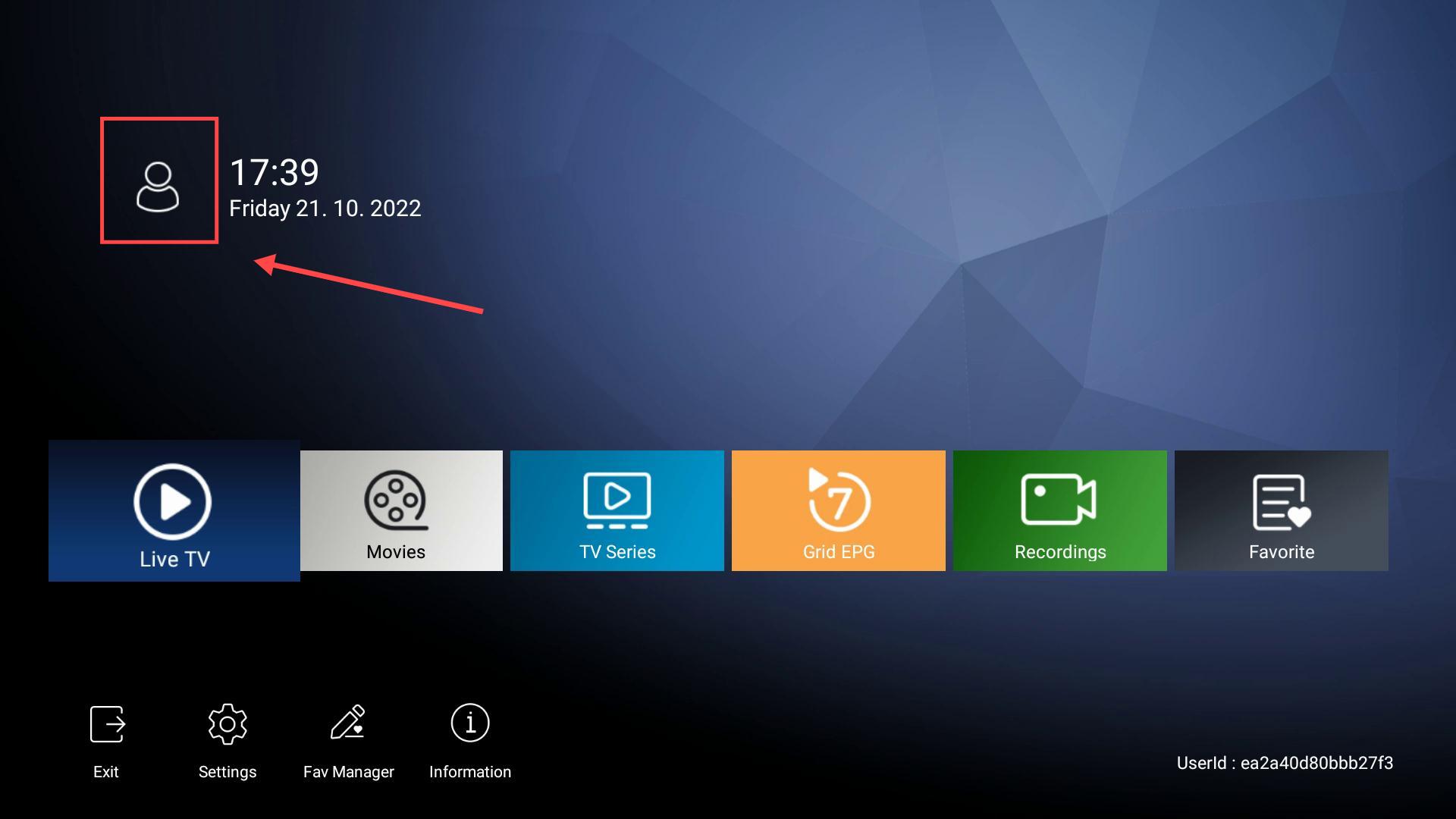
- If you do not see the activation screen, Click the user icon in the upper left corner of the app’s main screen and fill in your activation code.
If you don’t know how to install IPTV Apk, please check our detailed installation tutorial. Our IPTV Apk is available for all Android devices and Firestick devices.