How to use Catch Up?
As a professional IPTV user, take advantage of the Catch Up feature on the Plus version to ensure you never miss your favorite shows or live sporting events. This guide will walk you through the simple steps to use the Catch Up feature on the Plus version.
How to Use Catch Up on Plus version
Follow these steps to use the Catch Up feature on Plus version:
- Access Live TV:
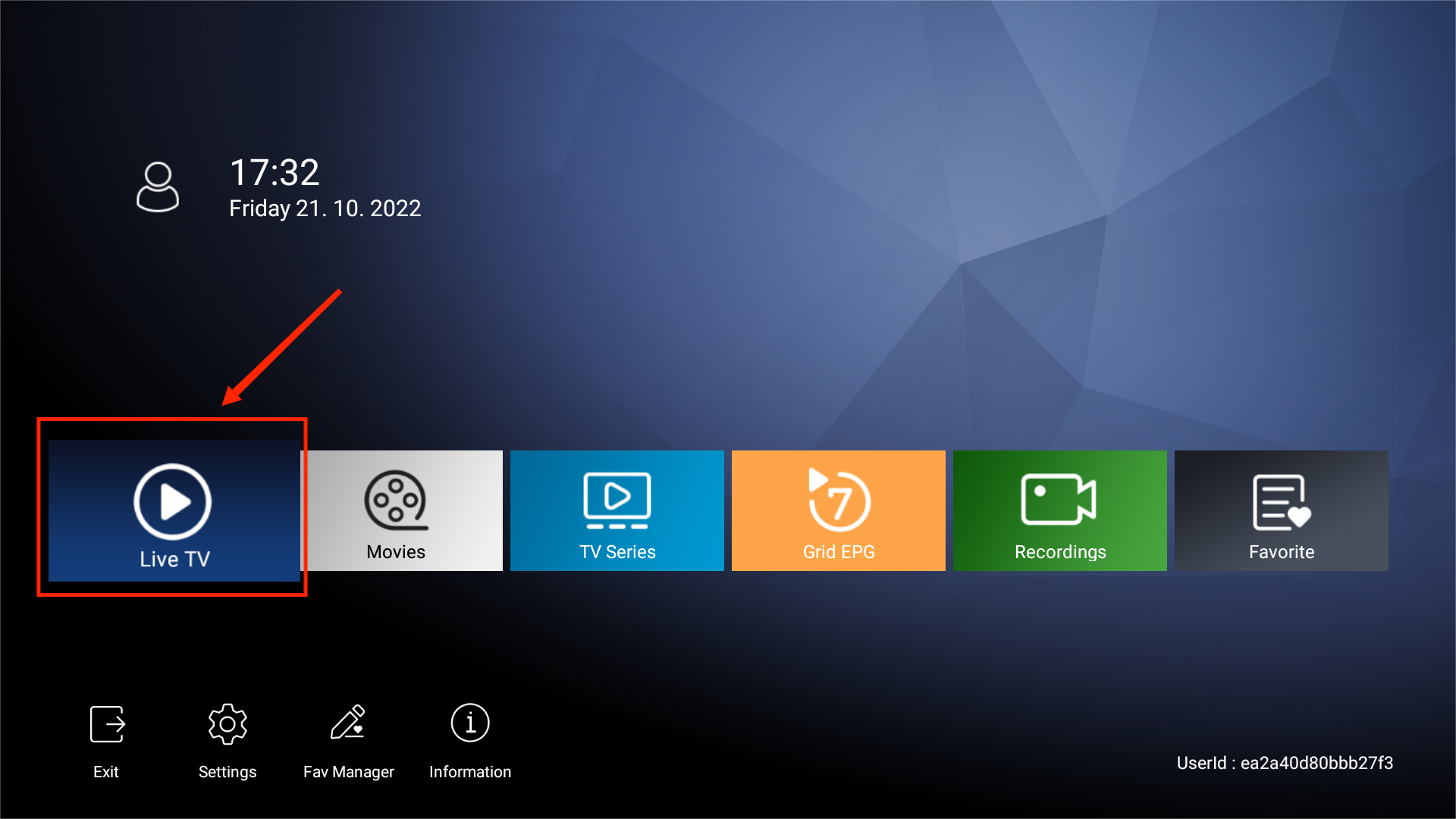
- Open your device’s home page and navigate to the Live section of the Plus version app.

- Open your device’s home page and navigate to the Live section of the Plus version app.
- Open the EPG Guide:
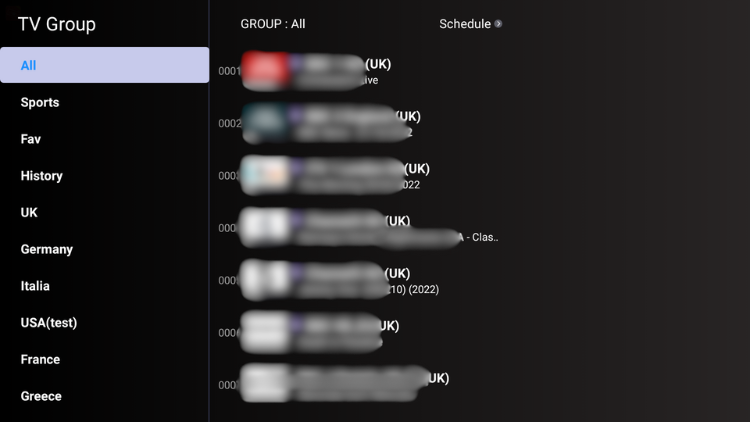
- Access the Electronic Program Guide (EPG). This will display the TV schedule and program information for various channels.
- Access the Electronic Program Guide (EPG). This will display the TV schedule and program information for various channels.
- Identify Channels with Catch-Up:
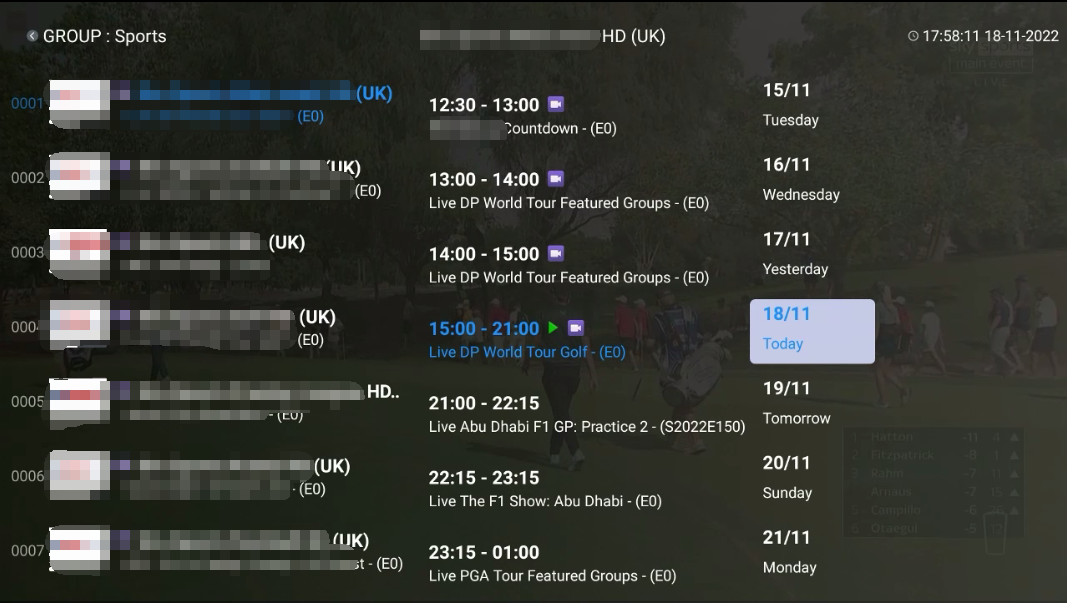
- Look for channels that show a video recorder image or icon in the EPG. This indicates that the channel supports the Catch Up feature.
- Select and Play:
- Click on any program from the past seven days on the channel. This allows you to watch missed shows and events as if you were watching them live.
- Click on any program from the past seven days on the channel. This allows you to watch missed shows and events as if you were watching them live.